Now through October 31, we're waiving application fees for all domestic freshman and transfer applicants!
*Common app code: Central27
Blackboard Overview
Blackboard (Bb) (CMICH login required) is CMU’s learning management system (LMS), which provides a virtual space for teaching and learning. A Blackboard shell exists for each course offered at CMU and provides a way to deliver course materials, complete assignments and tests, and facilitate communication between the instructor and students.
Blackboard offers a wide range of capabilities, including:
- Content Delivery: Instructors can upload materials, create assignments, and track student progress.
- Communication: It facilitates communication through discussion forums, messaging, and announcements.
- Assessment: Students can take tests and submit assignments online.
- Collaboration: Supporting collaborative learning through tools like group projects and online meetings.
- Gradebook: Allows for grading of work and providing feedback to students
Blackboard training
While intuitive and user-friendly, Blackboard is a complex software system; therefore, to utilize the platform effectively, faculty are strongly encouraged to complete the self-paced Blackboard Fundamentals Workshop found on the Workshops & Orientations tab on the Bb home page:
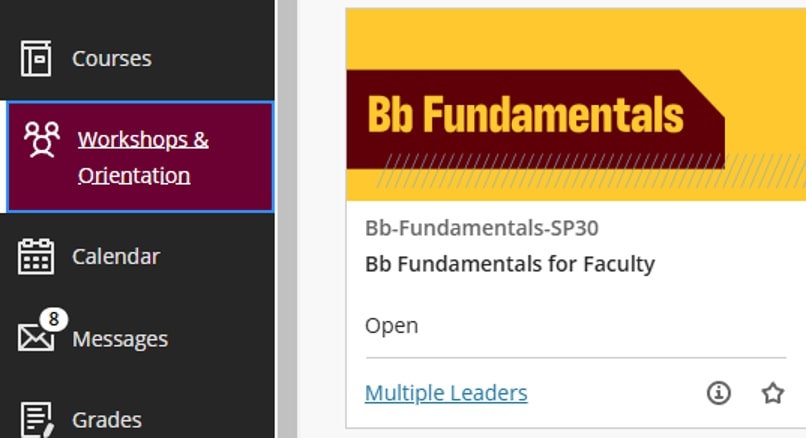
The Blackboard QuickStart Guide can help you prepare your course shell for student access and activity.
See Blackboard Support Resources and Training for further information.